

Booking a popular restaurant in Korea used to be one of the more frustrating tasks for short-term visitors. Many restaurants relied on Korean mobile-number verification, Korean-language booking systems, or local payment methods.
That situation has improved significantly in 2026.
CATCHTABLE Global remains one of the easiest restaurant reservation and waitlist platforms for international visitors. NAVER has also introduced passport-based identity verification, allowing foreign travelers to access NAVER Map booking and payment functions without a Korean mobile phone number.
The best strategy is no longer to avoid Korean booking systems completely. Instead, check which system the specific restaurant uses and choose the easiest official route available.
At a glance: which booking method should you try?
| Situation | Best first option | What to expect |
|---|---|---|
| The restaurant appears on CATCHTABLE Global | CATCHTABLE Global | No Korean phone number required for account creation; reservations and waitlists are designed for international users. |
| The restaurant offers NAVER Booking | NAVER Map + Passport Verification | Foreign visitors can use passport verification instead of Korean mobile-phone verification for supported NAVER services. |
| The restaurant has an official international booking page | Restaurant website or TableCheck | Requirements depend on the restaurant; foreign phone numbers and overseas cards may be accepted. |
| No online booking option is available | Contact the restaurant directly | Email, official social media, hotel concierge, or phone contact may be necessary. |
| The restaurant accepts walk-ins or waitlists only | Remote or on-site waitlist | Join through the restaurant’s supported platform or at the entrance. |
Do not assume that every restaurant uses the same system. A famous restaurant may use CATCHTABLE, NAVER Booking, TableCheck, its own website, or no advance reservation system at all.
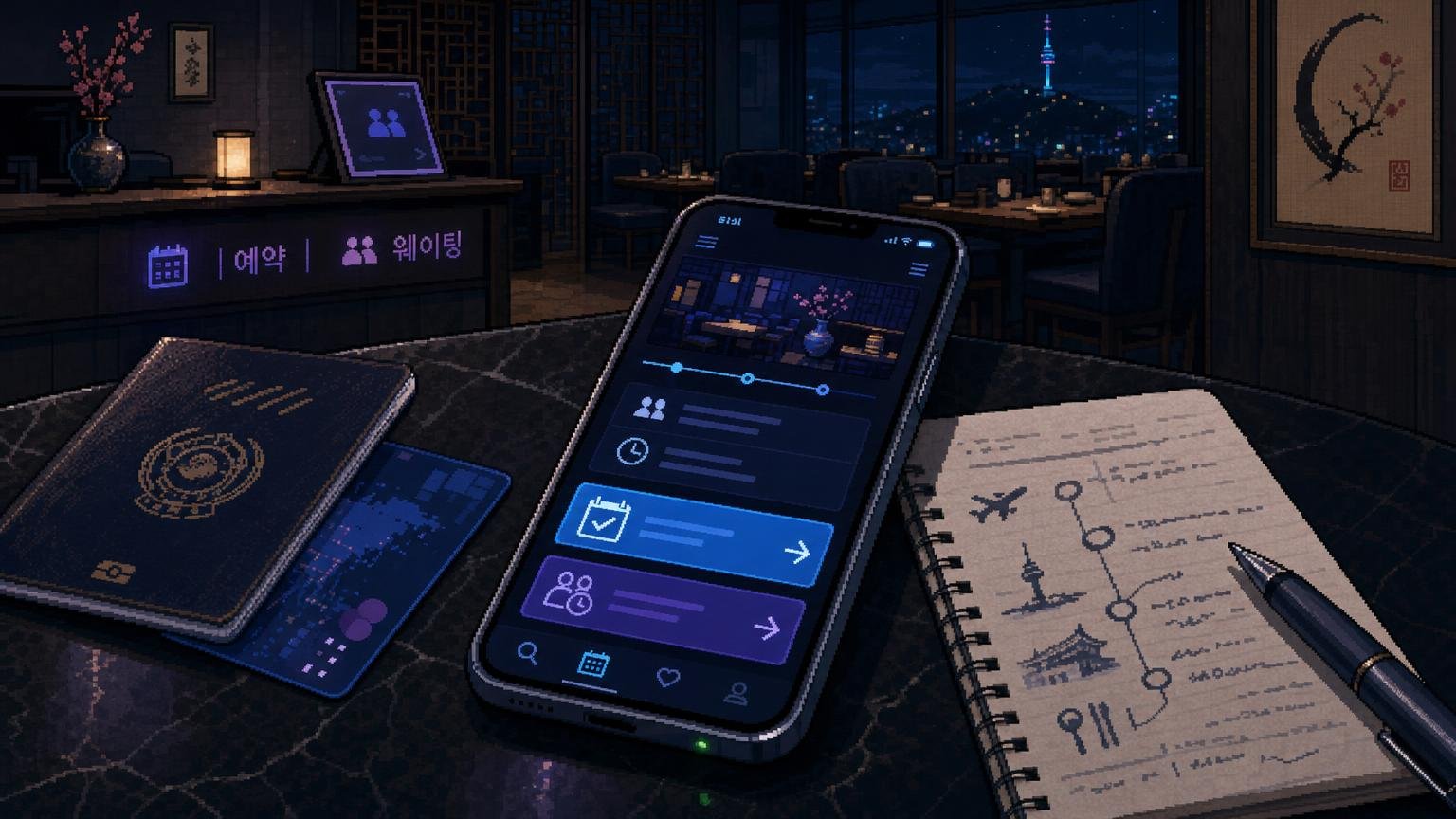
Option 1: Start with CATCHTABLE Global
CATCHTABLE Global is one of the most useful restaurant-booking services for international visitors to Korea.
According to the Korea Tourism Organization, international users can create an account using Google, Apple, or email without a Korean phone number. Eligible restaurant reservation deposits can also be paid with cards issued outside Korea.
The service supports reservations as well as both remote and on-site waitlists at participating restaurants.
Step 1: Open CATCHTABLE Global
Use the official global website or app. Make sure you are using the international version rather than assuming that every function of the Korean-language service works the same way.
Step 2: Sign in
Use Google, Apple, or email sign-in. A Korean mobile phone number is not required for CATCHTABLE Global account creation.
Step 3: Search for the exact restaurant
Check the restaurant name, branch, neighborhood, and address carefully. Popular restaurants may have several branches with different reservation policies.
Step 4: Look for “Reserve” or “Join Remote Waitlist”
If advance reservations are available, choose an open date and time. If remote waitlisting is supported, you can join the queue and monitor your position without remaining directly outside the restaurant.
Step 5: Read the restaurant’s conditions
Check the party size, deposit, cancellation deadline, late-arrival policy, required menu, and no-show rules before confirming.
Step 6: Save your confirmation
Keep the booking confirmation on your phone and take a screenshot. Save the restaurant’s Korean name and address as well.
CATCHTABLE deposits and foreign cards
Many popular restaurants require a reservation deposit to reduce no-shows. CATCHTABLE Global allows overseas-issued cards to be used for deposits at participating restaurants.
A deposit is not the same thing as paying for your entire meal. Depending on the restaurant, the amount may be:
- a refundable reservation deposit;
- a prepayment toward the meal;
- a fixed booking charge;
- or another restaurant-specific payment condition.
Read the cancellation policy before paying. Cancellation deadlines and refund conditions are set by individual restaurants.
If your card appears to fail, do not immediately submit the reservation several times. First check:
- your CATCHTABLE booking history;
- your email;
- your card app or bank notification;
- any pending authorization.
Option 2: Use NAVER Map with Passport Verification
This is the biggest change for foreign visitors in 2026.
NAVER introduced Passport Verification in June 2026. Foreign users with passports issued outside Korea can verify their identity on a smartphone and access travel-related NAVER services, including NAVER Booking, NAVER Order, and payments, without a Korean mobile phone number.
How to try a NAVER restaurant booking
- Open NAVER Map and sign in.
- Search for the exact restaurant or branch.
- Open the restaurant’s place page.
- Look for a reservation or booking option.
- If identity verification is required, use Passport Verification when available.
- Complete the restaurant’s booking details and payment requirements.
- Save the reservation confirmation.
Passport Verification does not mean that every restaurant in Korea can suddenly be booked through NAVER. The restaurant must still participate in NAVER Booking or another supported NAVER service.
Available languages, payment methods, menu options, deposits, and restaurant-specific policies can also vary.
What do you need for NAVER Passport Verification?
NAVER says the system is available to foreign users with passports issued outside Korea and can be completed on a smartphone without a Korean mobile phone number.
Because identity-verification systems can change, follow the instructions shown inside NAVER rather than relying on screenshots from an old travel blog.
Do not upload passport information to unofficial websites or send a passport image to a restaurant through social media unless there is a legitimate and clearly explained reason.
Option 3: Use the restaurant’s official booking page
Some restaurants use their own website or another international reservation platform instead of CATCHTABLE or NAVER.
Start from the restaurant’s official website or verified social-media profile and follow the reservation link from there.
A restaurant may use services such as TableCheck.
Using TableCheck
TableCheck allows users to create an account using an email address and password or certain supported third-party login methods. Individual restaurants decide their own booking requirements.
A specific reservation page may ask for:
- your name;
- email address;
- telephone number;
- credit-card information;
- a deposit or prepayment;
- agreement to cancellation conditions.
If the phone-number field allows an international country code, use your real number.
Do not invent a Korean phone number just to get through the form.
Option 4: Contact the restaurant directly
Direct contact remains useful when:
- the restaurant is not listed on CATCHTABLE Global;
- there is no NAVER Booking option;
- the official booking page does not accept your information;
- you have a large group;
- you have an important dietary restriction;
- you need wheelchair or accessibility information;
- you need to confirm a special course or celebration.
Use the restaurant’s official:
- email address;
- website contact form;
- social-media account;
- phone number.
Include:
- your full name;
- preferred date;
- preferred time;
- number of guests;
- overseas phone number with country code;
- email address;
- important dietary or accessibility requests.
Keep the message short.
English:
Hello. I am visiting Korea from [country]. Could I reserve a table for [number] people on [date] at [time]? I do not have a Korean phone number, but I can provide my email address and overseas phone number. Please let me know if a deposit is required. Thank you.
Korean:
안녕하세요. [국가]에서 한국을 방문할 예정입니다. [날짜] [시간]에 [인원]명 예약이 가능한가요? 한국 전화번호는 없지만 이메일 주소와 해외 전화번호를 드릴 수 있습니다. 예약금이 필요한지도 알려 주세요. 감사합니다.
Can your hotel make the reservation?
Sometimes.
A hotel concierge or front desk may be willing to call a restaurant for you, especially if the restaurant accepts reservations only by phone.
However, hotel staff cannot bypass a restaurant’s booking policy. If the restaurant requires a deposit, verified account, credit card, or guest contact information, you may still need to complete those steps yourself.
If hotel staff help you, ask for the final reservation details in writing:
- restaurant name;
- branch;
- date;
- time;
- party size;
- reservation name.
Reservations versus waitlists
A reservation and a waitlist are not the same thing.
A reservation gives you a confirmed booking for a specific date and usually a specific time.
A waitlist gives you a position in a queue.
CATCHTABLE Global supports both remote and on-site waitlisting at participating restaurants.
According to the Korea Tourism Organization, CATCHTABLE Global waitlists do not normally require a deposit. You may receive your queue number by email and track your position through the app.
However, you still need to return to the restaurant in time for your turn.

What if the restaurant is fully booked?
A full reservation calendar does not always mean you have no options.
Try:
- checking CATCHTABLE for a remote waitlist;
- checking NAVER Booking;
- looking again for cancellations later;
- trying lunch instead of dinner;
- checking another branch;
- contacting the restaurant directly;
- choosing a nearby backup restaurant.
Do not travel across Seoul solely because you hope that a reservation-only restaurant will suddenly accept walk-ins.
Which method suits your trip?
You want a famous restaurant before arriving in Korea
Check CATCHTABLE Global first. Then check the restaurant’s official NAVER Map listing and official website.
The restaurant uses NAVER Booking
Try NAVER Passport Verification. A Korean mobile phone number is no longer automatically required for supported NAVER travel services.
You are already in Korea and your schedule is flexible
A remote or on-site waitlist may be easier than searching for an advance reservation.
You are traveling with a large group
Contact the restaurant directly. Online platforms often limit the maximum party size.
You have a serious food allergy
Use a booking method that allows you to communicate directly with the restaurant. Do not assume that a note entered into an automated booking form guarantees that the kitchen can accommodate the allergy.
Common mistakes to avoid
Using a fake Korean phone number
Do not enter a random Korean phone number or another person’s phone number as your own. You could miss verification codes, booking changes, or calls from the restaurant.
Assuming NAVER always requires a Korean mobile number
This advice became outdated in 2026 for supported services. Try Passport Verification when it is available.
Assuming every restaurant is on CATCHTABLE
CATCHTABLE is widely used, but it is not a universal reservation system. Check NAVER, the restaurant’s website, and other official booking routes too.
Booking the wrong branch
Popular restaurant names may appear in several neighborhoods. Confirm the Korean address before paying a deposit.
Ignoring cancellation rules
A restaurant may charge part or all of a deposit if you cancel after the deadline or do not appear.
Confusing a request with a confirmed reservation
An email or social-media message asking for a table is not a confirmed booking until the restaurant clearly accepts it.
Arriving late
Popular restaurants may release your table after a short grace period. If you are delayed, contact the restaurant using the information shown in your booking.
FAQ
Can I book a Korean restaurant without a Korean phone number?
Yes. CATCHTABLE Global allows international account creation without a Korean phone number. NAVER also introduced Passport Verification in June 2026, allowing foreign users to access supported NAVER Booking, ordering, and payment services without Korean mobile-phone verification.
Can I use NAVER Booking as a tourist?
Yes, when the restaurant participates in NAVER Booking and the relevant function is available. Foreign visitors with eligible overseas-issued passports can use NAVER Passport Verification instead of Korean mobile-phone verification.
Do I need a Korean phone number for CATCHTABLE Global?
No. The Korea Tourism Organization says international users can sign up using Google, Apple, or email without a Korean phone number.
Can I use an overseas credit card?
CATCHTABLE Global supports overseas-issued cards for eligible reservation deposits. Other booking systems and individual restaurants may have different payment rules.
Do CATCHTABLE waitlists require a deposit?
According to current Korea Tourism Organization guidance, remote and on-site CATCHTABLE Global waitlists do not require a deposit. Restaurant participation and waitlist availability still vary.
What should I do if the restaurant is fully booked?
Check remote waitlisting, NAVER Booking, cancellations, another branch, lunch availability, or the restaurant’s direct contact options.
Can my hotel book a restaurant for me?
Sometimes. A hotel concierge or front desk may be able to call, but the restaurant’s own booking and deposit rules still apply.
Is an Instagram or social-media reply a reservation?
Only if the restaurant clearly confirms the date, time, party size, and booking name. Save the conversation if you rely on it as your confirmation.
Official information
-
CATCHTABLE Global
— official restaurant reservation and waitlist platform for international users. -
VISITKOREA: CATCHTABLE Global
— current Korea Tourism Organization information on account creation, overseas cards, reservations, and waitlists. -
NAVER: Passport Verification for Foreign Visitors
— official information about using NAVER Booking, Order, and payment services without a Korean mobile phone number. -
NAVER Map
— search for the restaurant and check whether NAVER Booking is available for the exact branch. -
TableCheck Diner Terms
— official information about TableCheck accounts, reservations, payments, and cancellation conditions.