
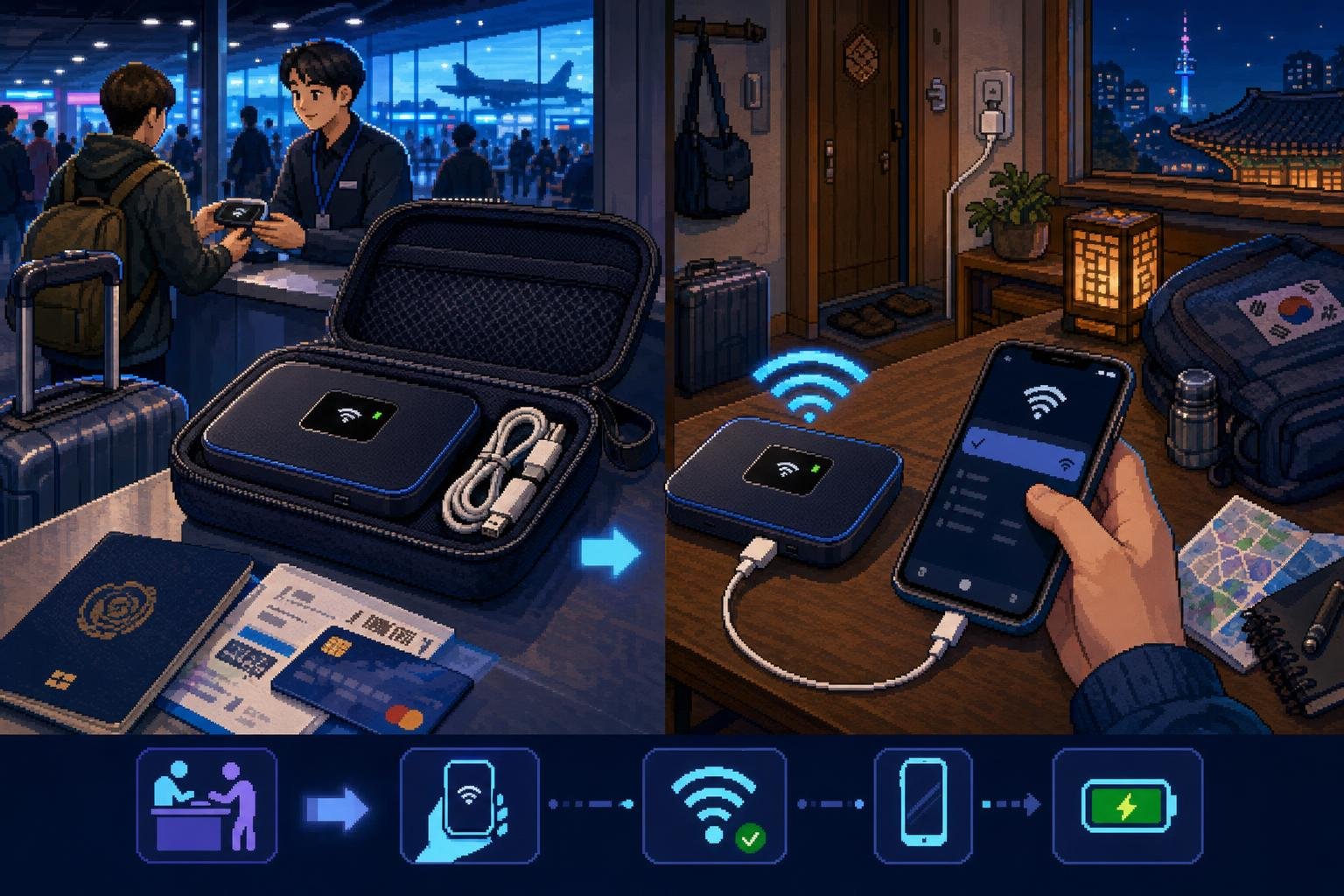
A pocket Wi‑Fi device, also called a portable Wi‑Fi router or mobile hotspot, connects to Korea’s mobile network and creates a private Wi‑Fi signal for your devices. It is useful when two or more travelers want to share one connection, or when you do not want to install an eSIM or replace your phone’s SIM card.
The important part is not simply finding a device. You need to choose a pickup location that matches your arrival, understand when rental days start, confirm how payment and deposits work, and know exactly where to return the router before departure.
Is pocket Wi‑Fi a good choice for your Korea trip?
| Situation | Pocket Wi‑Fi may suit you if… | Check before booking |
|---|---|---|
| Traveling with a partner or group | Several people need data and will usually stay together. | The provider’s device connection limit and battery performance. |
| Using a work laptop or tablet | You need to connect more than one type of device. | Whether the plan has a speed limit after a daily allowance. |
| Keeping your home SIM active | You want to avoid removing your normal SIM card. | Your phone’s Wi‑Fi settings and mobile-data settings. |
| Traveling alone | You prefer a physical device and do not want to change phone settings. | The extra weight, charging requirement, and rental cost. |
| Spending most of the day apart | Usually not ideal because the person carrying the router must stay nearby. | Consider separate SIM or eSIM plans instead. |
A pocket Wi‑Fi router does not normally require a Korean phone number or phone verification to connect your devices. However, renting the equipment still requires identity and payment checks. The exact requirements depend on the rental company.
How to rent a pocket Wi‑Fi router in Korea
1. Choose a provider and check the pickup airport
Start with an official provider page rather than assuming every airport has the same counters. LG U+ lists pickup and return options at Incheon Airport Terminal 1, Incheon Airport Terminal 2, Gimpo International Airport, and Gimhae International Airport. WiFi Dosirak also lists several Korean airports and other pickup locations, but opening hours and available stock differ by location.
Incheon Airport’s own English facility directory lists KT, SKT, LG U+, and WiFi Dosirak communication counters. Use the directory and the provider’s own page together because the airport confirms the general location while the provider controls its rental procedure.
2. Enter your travel dates carefully
Enter the date and airport where you will actually collect the device. Do not automatically enter the date of your international flight if you plan to pick up the router after midnight or at a different airport.
Rental companies may calculate the rental period by calendar date, by 24-hour period, or from the pickup time. LG U+ states on its current pocket Wi‑Fi page that the device’s usage period begins according to its activation conditions and that rental charges continue until the equipment is returned. WiFi Dosirak explains that the rental period runs from the pickup date through the return date and that a three-night, four-day trip requires four rental days.
3. Check payment, deposit, and identification rules
Bring the passport used for the reservation. The name on your payment card may also need to match the passport name.
For example, LG U+ states that an on-site renter needs a passport and a credit card in the same name. Its current information says a credit card may be authorized for a small amount without an actual charge, while a debit card may require a KRW 70,000 deposit that is refunded after the device is returned in good condition. These are provider-specific conditions, not a universal Korea-wide rule.
WiFi Dosirak asks customers to present a passport, voucher, and rental payment at pickup, and its reservation system uses an overseas-issued credit card for certain online bookings. Read the payment screen and rental terms for your exact booking route.
4. Save the voucher and pickup details offline
Save the confirmation email, reservation number, pickup terminal, counter location, and return instructions as screenshots. You may have airport Wi‑Fi, but it is more convenient not to depend on it while looking for the counter.
If you arrive at a different terminal from the one selected in your reservation, do not assume the counter can move the booking automatically. Contact the provider or check its counter list before collecting the device.
5. Collect the complete set at the counter
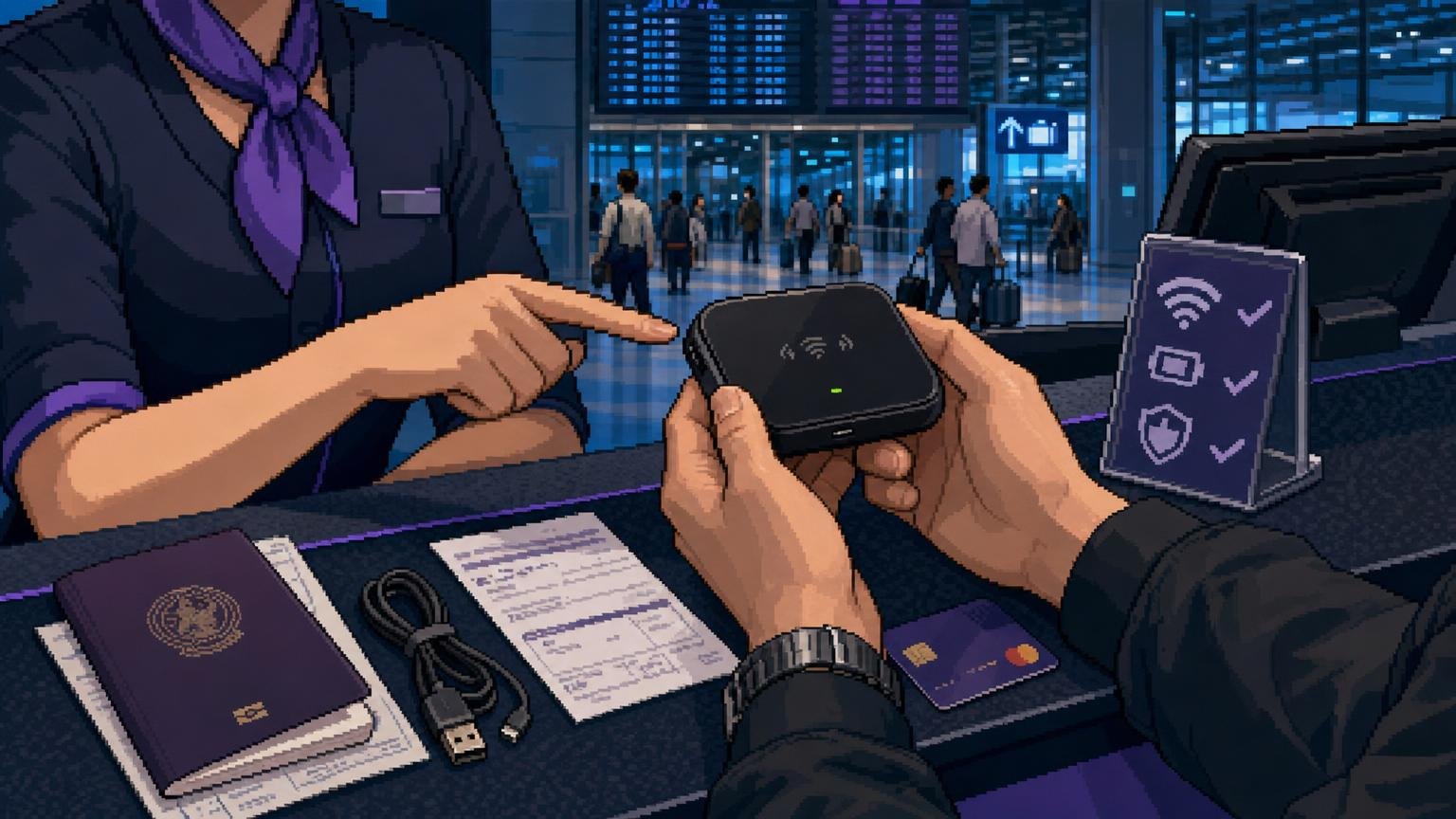
At pickup, show your passport and voucher, complete any payment or deposit procedure, and check the contents before leaving. The set normally includes the pocket Wi‑Fi router, battery, charging cable, and instructions. The exact contents vary by provider and device model.
Ask the staff to show you the device name and password. You do not need a Korean phone number to connect your own phone to the router, but you should know how to contact the provider if the device fails or is lost.
How to connect your phone to Korean pocket Wi‑Fi
- Press and hold the router’s power button until the screen or indicator lights turn on.
- Open Settings on your phone, tablet, or laptop.
- Select Wi‑Fi and choose the network name printed on the device or rental instructions.
- Enter the Wi‑Fi password exactly as shown. Passwords are case-sensitive.
- Open a webpage or map to confirm that the connection works before leaving the airport.
- Connect additional devices only after the first device is working correctly.
LG U+ advises restarting the router if it stops working and checking the Wi‑Fi name and password again. Its troubleshooting information also says that some models allow users to change between 2.4 GHz and 5 GHz Wi‑Fi bands. If one band is unstable, try the other when the device offers that setting.
Keep your phone’s mobile-data setting under control. If your home SIM remains active, disable data roaming on that SIM unless you intentionally want to use your home carrier’s roaming service. Your phone can still receive calls or texts according to your normal plan while using the pocket Wi‑Fi connection for internet access.
How to use pocket Wi‑Fi efficiently during the day
Keep the router with the person who needs to navigate
A pocket Wi‑Fi router only helps devices within its wireless range. If the group separates, the people left behind will lose access. Decide who will carry it before leaving your accommodation, especially when visiting markets, museums, or large shopping areas.
Charge it before going out
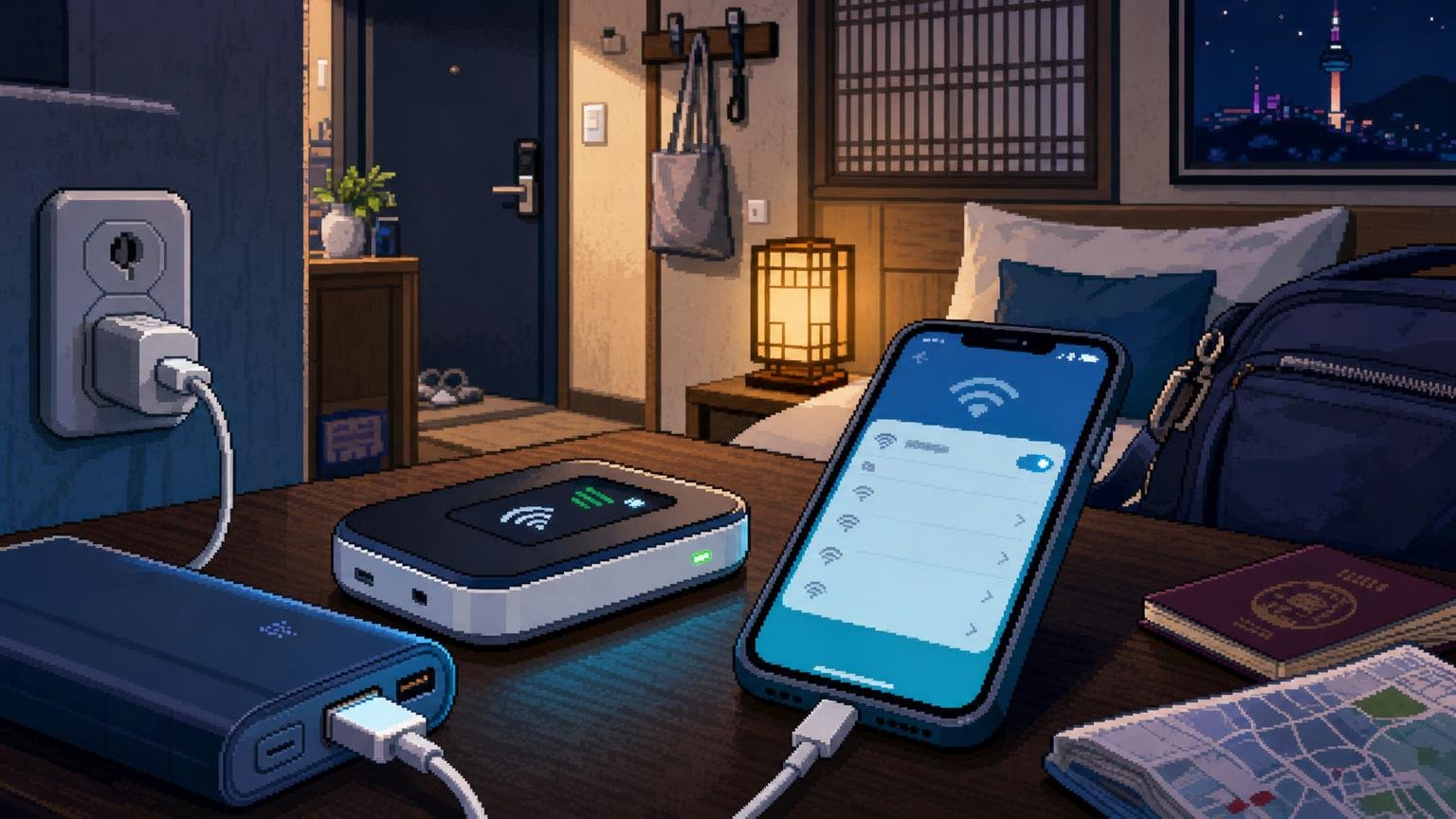
The router is another battery-powered device. Charge it fully at your accommodation and carry the supplied cable. Some providers include or offer a power bank, but do not assume that every rental includes one. Battery life varies with device model, signal conditions, connected devices, and data-heavy use such as video streaming.
Understand “unlimited” wording
“Unlimited” does not always mean unlimited full-speed data. LG U+’s current pocket Wi‑Fi information describes a plan with 4 GB of daily data followed by continued use at up to 5 Mbps. Other providers may use different daily allowances, speed limits, or fair-use conditions. Check the product details instead of comparing plans only by the word “unlimited.”
Use the router for shared data, not necessarily phone calls
A Wi‑Fi router provides internet access. It does not automatically give your phone a Korean number for ordinary local calls or SMS. Use internet-based messaging and calling apps, or arrange a separate SIM, eSIM, or voice service if you need a Korean number.
Returning the router before your flight
- Check the return counter and its operating hours before the day of departure.
- Return the router, battery, cable, and any included accessories.
- Ask for confirmation that the return has been recorded and that any applicable deposit process is complete.
- Keep the return receipt or confirmation until the deposit or final charge is settled.
Return the device before going through departure procedures. WiFi Dosirak specifically warns that if a customer passes into the departure area without returning the router, it may have to be sent back internationally by a service such as EMS or DHL, with shipping costs and additional rental charges paid by the customer. Do not put the router in checked luggage before returning it unless the provider has expressly instructed you to do so.
Which rental approach is best for different travelers?
- First-time visitor arriving at Incheon: Reserve in advance, select the correct terminal, and save the counter location offline.
- Late-night arrival: Check the exact counter hours. Some Incheon counters operate 24 hours, while other counters have limited schedules.
- Two or three travelers staying together: One router may be practical, provided everyone accepts that the device must remain nearby and charged.
- Solo traveler using only one phone: Compare the total rental cost and the inconvenience of carrying and charging the router with a local SIM or eSIM.
- Traveler changing airports or leaving from a different airport: Confirm whether the provider allows return at another listed counter. LG U+ states that its pocket Wi‑Fi can be returned at any of its listed airport customer centers, but this is not automatically true for every company.
- Traveler with an overseas credit card but no debit card: Check the provider’s card requirements before arrival. Some services accept overseas-issued cards for reservations, while on-site deposits may follow different rules.
Common problems and practical fixes
The router will not turn on
Charge it for a while, then hold the power button for several seconds. If it still does not start, return to the provider’s airport counter or contact its customer center. Do not open or modify the device.
The phone sees the network but has no internet
Confirm that the router has mobile-network reception, restart the router, and reconnect your phone. Move away from thick walls or underground areas and test a simple webpage. If the problem continues, ask the provider to check the rental account or device.
The connection is slow
Disconnect devices that are not being used and pause video backups or large downloads. Check whether your plan applies a speed reduction after a daily data allowance. On compatible LG U+ devices, changing the Wi‑Fi band may help in some environments.
You forgot the password
Look at the router screen, label, or printed rental instructions. If the password is not visible, contact the provider rather than repeatedly guessing it and locking the device.
You lost the router
Contact the rental company immediately. Loss, theft, damage, and non-return can trigger additional charges against the payment card or deposit. The exact amount depends on the provider’s rental terms.
Your flight changes
Contact the provider as soon as the arrival or departure airport changes. A reservation may not automatically transfer to another terminal, date, or airport. Cancellation and refund rules also vary; some providers do not offer a partial refund when equipment is returned early.
FAQ
Can a foreigner rent pocket Wi‑Fi in Korea?
Yes. Foreign visitors can rent from airport and travel Wi‑Fi providers by presenting the required passport and payment information. A Korean residence card or Korean phone number is not normally needed for the Wi‑Fi connection itself.
Do I need to reserve pocket Wi‑Fi before arriving?
Not always. LG U+ states that visitors may rent at its airport customer centers without a prior reservation, subject to availability. Reserving ahead is safer during busy periods and lets you choose your pickup airport and rental dates.
Can several people share one router?
Usually, yes, if the device supports multiple connected devices. The practical limit depends on the model and provider. Sharing works best when the group stays together and the router remains charged.
Can I use the router outside Seoul?
Providers advertise coverage across Korea, but actual performance depends on mobile-network conditions and the location. Mountain areas, underground spaces, islands, and some large buildings may have weaker signals.
Can I return the router at a different airport?
Sometimes. LG U+ lists multiple airport customer centers and says its equipment can be returned at any of those listed locations. Other companies may require a selected return location or may support only certain counters, so confirm this before booking.
What happens if I return the router early?
Do not assume you will receive a partial refund. WiFi Dosirak states that early return does not qualify for a refund of unused rental time. Other providers may have different rules.
Can I take the router through airport security?
You should return it at the provider’s counter before completing departure procedures. If you pass into the departure area without returning it, international shipping and extra rental charges may apply.
Is pocket Wi‑Fi better than an eSIM?
Neither is universally better. Pocket Wi‑Fi is convenient for groups and multiple devices, while an eSIM avoids carrying and charging another device. Choose based on whether you need shared access, whether your phone supports eSIM, and whether you need a Korean number.
Official Information
- LG U+ Pocket Wi‑Fi: current products, airport pickup, payment, and usage information
- KT Roaming Customer Center: airport locations and operating hours
- WiFi Dosirak: rental guide, payment, cancellation, extension, and return information
- Incheon International Airport: communication and internet facility directory