
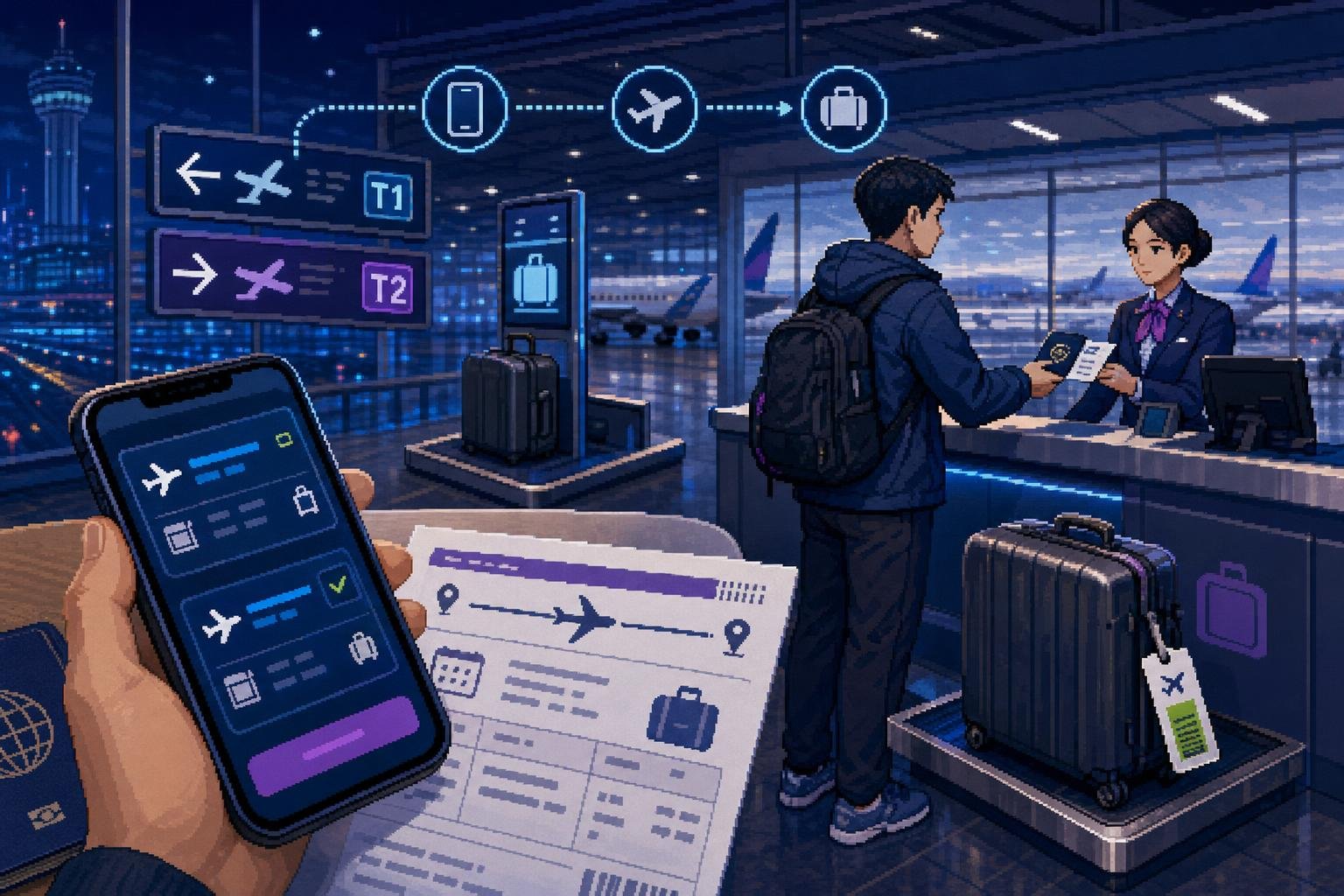
Domestic flights are useful when you need to connect Seoul, Jeju, Busan, or another regional city quickly. The process is generally straightforward, but first-time visitors often run into avoidable problems: booking the wrong Seoul airport, entering a passport name incorrectly, arriving without the original passport, or assuming that a cheap fare includes a large checked bag.
This guide focuses on the practical journey from booking to boarding: choosing the airport, paying for the ticket, checking in, handling baggage, and navigating the terminal as a foreign visitor.
Domestic flights in Korea at a glance
| Question | Practical answer |
|---|---|
| Where should I book? | Use the airline’s official website or app first. A reputable booking service can be useful when comparing several airlines, but check the airline record and baggage conditions afterward. |
| What identification do I need? | Bring your original passport. A foreign visitor should not rely only on a passport photograph or a digital copy. |
| Do I need a Korean phone number? | Not automatically. Requirements vary by airline, booking channel, and payment verification. Use an email address you can access and do not enter a made-up Korean number. |
| Can I use a foreign card? | Often, but acceptance and authentication vary. The payment screen is the final authority for the airline or booking service you are using. |
| How much baggage is included? | It depends on the airline, fare type, route, and whether the ticket is a special or promotional fare. Check the baggage line before paying. |
| How early should I arrive? | For a first domestic flight, allow about 90 minutes, and more during holidays, weekends, or when checking baggage. |
1. Choose the correct airport and route
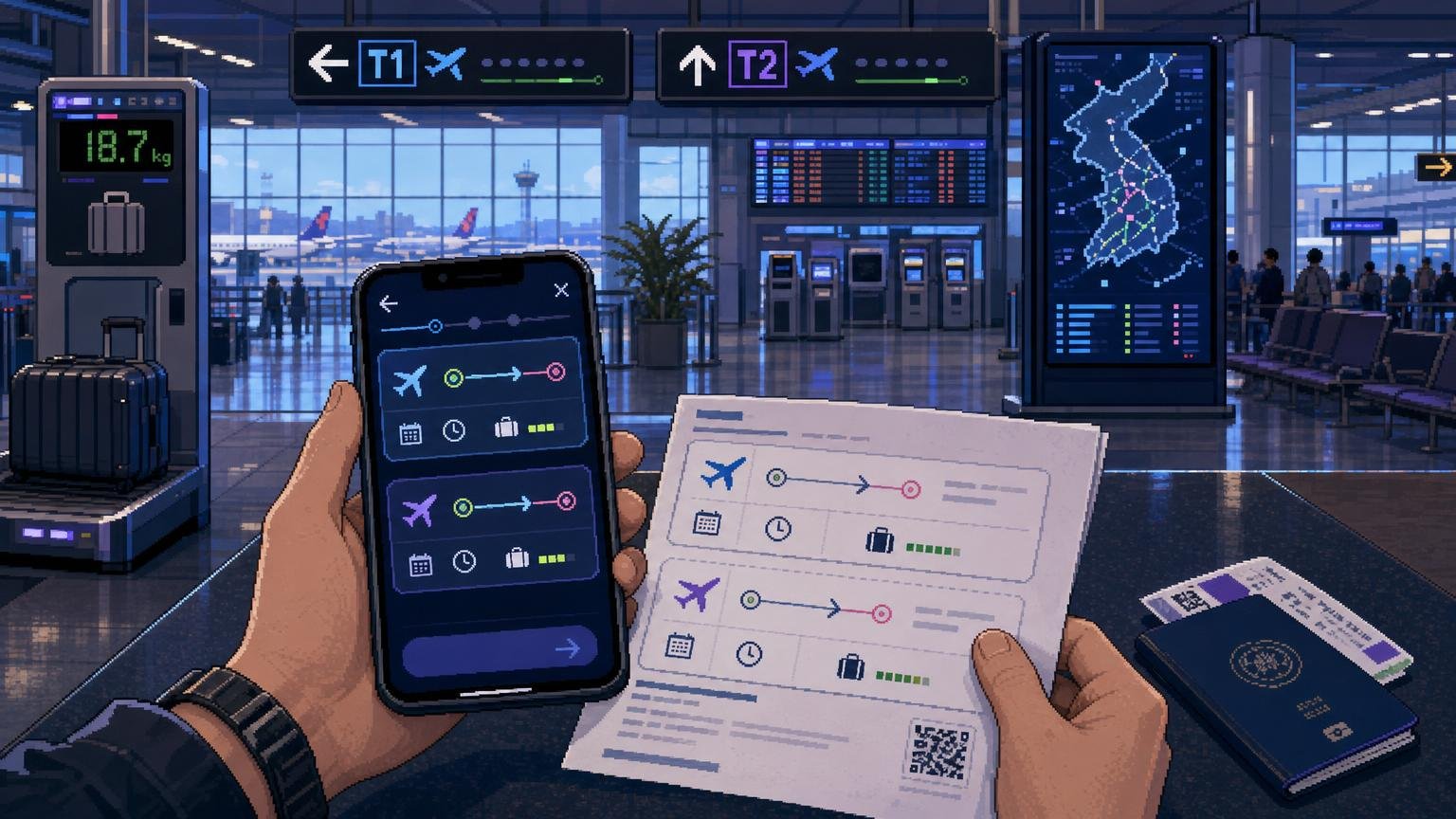
Start by checking the airport code, not just the city name. Seoul-area domestic flights normally use Gimpo International Airport, not Incheon International Airport, but your ticket may show a different airport or a special route. Busan-area flights commonly use Gimhae International Airport. Jeju flights use Jeju International Airport.
On the booking screen, check all four of these items:
- departure airport and airport code;
- arrival airport and airport code;
- departure date and local departure time;
- airline and flight number.
Do not plan your ground transportation until you have confirmed the airport. An itinerary that says “Seoul” can still require you to travel to Gimpo rather than Incheon. Regional airports can also be outside the city center, so check the arrival transfer before choosing a flight with a very late arrival.
2. Book as a foreign visitor
Step 1: Compare the total ticket conditions
Compare the final price, baggage allowance, seat-selection conditions, change rules, and refund penalties—not only the headline fare. Korean domestic tickets can have different fare families, and a cheaper ticket may be less flexible or may offer a different baggage allowance.
Step 2: Enter your name exactly as shown on your passport
Use the spelling and order requested by the booking form. Avoid nicknames, extra punctuation, or a shortened first name. If the website asks for a Korean resident number and you do not have one, do not invent one; try the foreign-passenger option or contact the airline or booking service before payment.
Step 3: Use an accessible email address
Save the confirmation email, reservation number, e-ticket number, and airline booking reference. Take a screenshot as a backup, but keep the original passport available for airport identification.
Step 4: Complete payment carefully
Foreign-card support is not identical across airlines or booking channels. If the payment fails, check whether the page offers payment in a foreign currency, whether your bank has blocked the transaction, and whether a card-authentication pop-up was blocked by your browser. If you use an online travel agency, remember that changes and refunds may need to be handled through that agency rather than directly with the airline.
For example, Korean Air’s payment guidance states that foreign-currency payments can be made by entering a card number directly, while some Korean-won payment methods use Korean-card or Korean mobile-payment systems. This does not guarantee that every airline will accept the same card or payment method.
3. Prepare before leaving for the airport
Have these items ready:
- your original passport;
- the booking confirmation or reservation number;
- your mobile boarding pass, if online check-in is available;
- the card used for payment if the airline or booking service may request verification;
- details of your checked baggage allowance;
- your destination address or onward travel information in case staff need to clarify your itinerary.
Check your flight status on the airline or airport website on the day of travel. Domestic schedules can change, and a gate or counter may not be where you expect it to be from a previous visit.
4. Check in online or at the airport
Online check-in is airline-specific. Some airlines open it a set number of hours before departure and close it before the flight. Korean Air, for example, lists online check-in for domestic flights from 48 hours until 30 minutes before departure, but other airlines may use different windows.
If online check-in works:
- Open the airline website or app and retrieve your booking.
- Enter passport or passenger information exactly as requested.
- Choose a seat if the fare permits it.
- Save the boarding pass to your phone and, if possible, download it for offline use.
- Go to the baggage counter or bag-drop area if you have checked luggage.
- If you have no checked luggage, follow airport signs for domestic departures and security screening.
If online check-in fails, this does not necessarily mean that your ticket is invalid. It may mean that the airline needs to check your passport, booking, special service, payment, or passenger information at the counter. Go to the airline counter with your passport and reservation number.
At many Korean airports, domestic passengers can use airline kiosks to retrieve a reservation, choose a seat, and print a boarding pass. Kiosk availability depends on the airline and airport. Gimpo Airport’s official guidance also notes that checked luggage is handled at the airline’s designated counter after self-check-in.
5. Passport and identity checks for foreigners
Domestic travel within Korea still requires identity verification before boarding. For foreign visitors, your passport is the simplest document to carry and the one least likely to cause confusion. Bring the physical passport used for the booking, not only a photo or scan.
At security or the boarding gate, you may be asked for both your boarding pass and photo identification. If your passport was renewed after booking, your name has changed, or you have dual nationality, ask the airline counter to confirm the record before going through security.
Do not assume that a foreign driver’s licence, residence card, or a digital identity document will be accepted in exactly the same way at every airport or airline counter. A passport avoids most uncertainty for a short-term visitor.
6. Handle checked and carry-on baggage
Checked baggage
Check the fare conditions before you pack. Some domestic fares include checked baggage, while others may have different limits or require an additional purchase. The allowance can depend on the airline, route, fare family, passenger type, and special promotion.
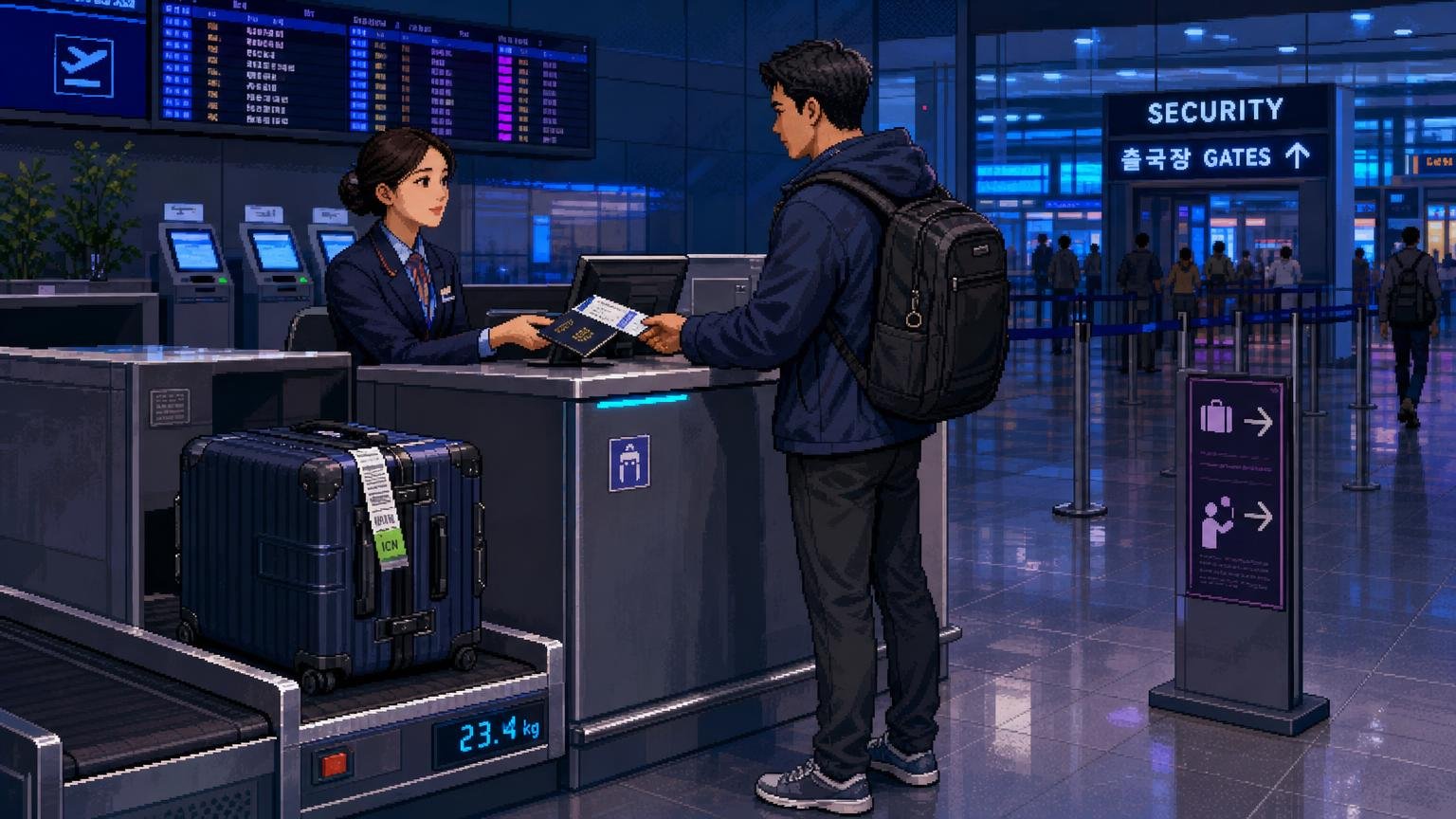
At the counter or bag-drop area, staff may weigh the bag and attach a baggage tag. Keep the baggage receipt or tag number until you collect the bag. If the bag is overweight, the airline may require payment or repacking before accepting it.
Do not place passports, medication, valuables, cash, essential electronics, or fragile items in checked baggage. Keep these in your personal item or carry-on bag.
Carry-on baggage
Carry-on size and weight limits are airline-specific. Jeju International Airport’s passenger guidance describes a commonly used reference size of 55 x 40 x 20 cm and a weight of 10 kg, but the airline’s own baggage page and your fare conditions take priority.
Keep power banks, spare batteries, important documents, and items needed during the flight where you can access them. Check the airline’s prohibited-item guidance before packing sharp objects, sporting equipment, liquids, aerosols, or unusual equipment.
Oversized or special baggage
Contact the airline before departure if you are carrying a bicycle, surfboard, musical instrument, large camera equipment, sports gear, or more luggage than the fare allows. Do not wait until the airport if the item may require advance approval or special packaging.
7. Move through the airport
- Find your airline’s domestic counter. Airport screens show the counter and flight status. Airline counters may not be in the same place at every airport.
- Complete check-in and baggage drop. Keep your passport and boarding pass available.
- Pass the identity check and security screening. Remove items as directed and keep your boarding pass accessible.
- Confirm the gate. Screens can update, so check again after security.
- Reach the gate early. Boarding may close before the scheduled departure time. Follow the boarding announcement rather than waiting until the last minute.
Domestic terminals are usually simpler than international terminals, but that does not mean you can arrive immediately before departure. A bag-drop deadline, security queue, airport walking time, or a change of gate can use more time than expected.
Which booking method suits you?
Book directly with the airline if:
- you want the clearest baggage and change conditions;
- you may need to modify or cancel the ticket;
- you want to manage online check-in in the airline’s own system;
- you are comfortable comparing several airline websites.
Use a reputable booking service if:
- you need to compare several airlines in one search;
- the airline website does not accept your payment method;
- you prefer an interface or support channel available in your language.
Before choosing an online travel agency, check who will handle a cancellation, schedule change, or missed connection. The cheapest booking channel is not always the easiest one to manage when something changes.
Common mistakes and troubleshooting
“I booked Seoul, but the airport is not the one I expected.”
Check the airport code on the ticket immediately. If you booked a domestic flight from Gimpo but are planning to arrive at Incheon, allow time for the transfer—or contact the airline before the travel date if the itinerary needs to change.
“The website rejected my foreign card.”
Try the airline’s English site or app, check whether the payment page offers another currency, disable a pop-up blocker, and confirm that your bank allows online and overseas transactions. If the booking is through an agency, contact the agency rather than making a second booking immediately; you may otherwise create duplicate reservations.
“Online check-in will not issue my boarding pass.”
Bring your passport and reservation number to the airline counter. Reasons can include an information mismatch, a service that needs staff confirmation, a restricted airport, or an airline-specific rule.
“I only have a photo of my passport.”
Do not rely on the photo. Take the original passport to the airport. A digital copy may help as an emergency backup, but it is not a substitute for the document used for identity verification.
“My fare was cheap, but my bag is not included.”
Open the booking details and look for the baggage allowance or fare conditions. If the airline permits prepaid baggage, buying it before reaching the airport may be simpler, but the available options and prices vary.
“My domestic flight connects with an international flight.”
Check whether the connection uses the same airport and whether baggage must be collected and checked again. A domestic flight from Gimpo and an international flight from Incheon are separate-airport connections. Do not treat them as a normal airside transfer unless the airline specifically confirms that arrangement.
FAQ
Can a foreign tourist take a domestic flight in Korea?
Yes. Foreign visitors can use domestic flights, but they should carry their original passport for identity verification and boarding.
Do I need a Korean residence card for a domestic flight?
A short-term visitor normally uses a passport as the practical identification document. If you are a registered resident and plan to use another document, confirm acceptance with the airline before departure.
Can I book a domestic flight without a Korean phone number?
Sometimes. The requirement depends on the airline, booking website, and payment verification process. Use a valid email address and do not enter a fake local number. If the form will not accept your details, use the airline’s support channel or another reputable booking channel.
Are domestic flights in Korea cheaper than trains?
There is no universal answer. Compare the complete fare, baggage conditions, airport transfers, and time required to reach the airport. A flight can be quick in the air but less convenient if the airport is far from your accommodation.
How early should I arrive for a domestic flight?
For a first-time visitor, about 90 minutes is a practical buffer, especially with checked baggage. Allow more time during weekends, public holidays, bad weather, or when travelling from another city.
Can I use a mobile boarding pass?
Many airlines and airports support mobile boarding passes for domestic flights, but availability can vary. Keep your passport with you, and use the staffed counter if the mobile pass is not issued or cannot be scanned.
Do domestic flights use Incheon Airport?
Most Seoul-area domestic itineraries traditionally use Gimpo Airport, but routes and operations can change. Check the airport name and code on your ticket rather than assuming that every Seoul flight departs from Incheon or Gimpo.
Official Information
- VISITKOREA: Domestic Flights — current general information about domestic airports and airlines.
- Gimpo International Airport: Fast Check-in — airport guidance on domestic self-check-in and baggage counters.
- Jeju International Airport: Boarding Simulation — airport guidance on check-in, baggage, security, and boarding.
- Korean Air: Online Check-in — an example of airline-specific domestic check-in times and passport information requirements.
- Korean Air: Domestic Flight Boarding Procedure — an airline example of domestic identity checks, baggage handling, security, and boarding timing.
- Korean Air: Payment Methods for Korea — an example of how payment methods can differ between Korean-won and foreign-currency bookings.